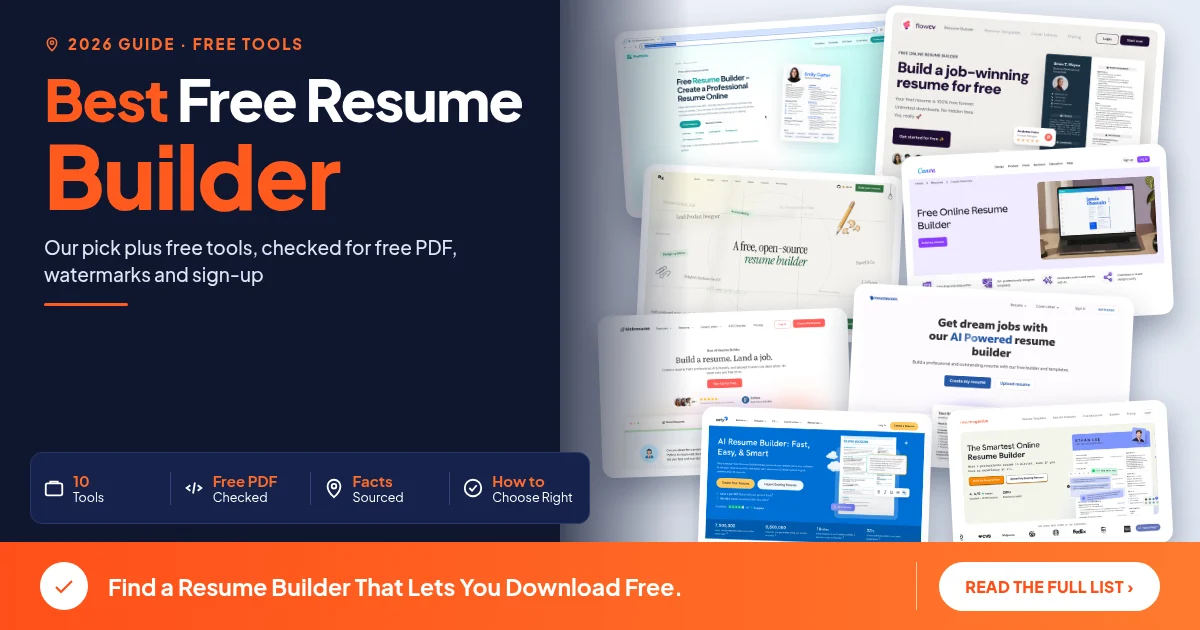
Looking for the best free resume builder? The real test is the download step. Plenty of sites let you fill in every section at no cost, then ask you to pay when you click download, or hand you a plain TXT file with the layout stripped out. We read each tool's own free plan terms for three things: a free PDF, a watermark or branding on the file, and whether you have to create an account. Our pick is Pixelthinks Resume Builder, which gave us a clean PDF with no sign-up. If you only need a free resume maker for one application, each tool's notes show where the catch sits.
Table of contents
Best free resume builder compared: free PDF, watermark, sign-up
How we checked these free resume builders
Our pick: Pixelthinks Resume Builder
6 more free resume makers that let you download
Free to build, pay to download: tools to check first
Free resume maker for freshers in India
How to choose a free ATS-friendly resume builder
FAQ
Final thoughts
Best free resume builder compared: free PDF, watermark, sign-up
The best free resume builder for most job seekers gives you a formatted PDF, adds no watermark and does not force an account before you can download. The comparison table checks ten tools against those three points, plus Word (DOCX) export and the number of templates on the free plan. Every limit was checked Oct 2026 on the tool's own pages.
"not listed" means the pages we read did not say either way, so treat it as unknown, not as a no. The last three rows are tools that let you build at no cost but keep PDF on a paid plan.
Tool | Free PDF | Watermark on free download | Sign-up required | Word (DOCX) export | Templates on free plan |
|---|---|---|---|---|---|
Pixelthinks (our pick) | Yes | None found in our test | No | Yes | 17 |
FlowCV | Yes, unlimited | None | Yes, a free account to download (its FAQ) | No, PDF only (its FAQ) | All templates |
Reactive Resume | Yes | not listed | Yes, on the hosted site | Yes | 18 |
Canva | not stated | On premium elements | not listed | not listed | Free templates (no count) |
Novoresume | Yes, one page | Novoresume branding | not listed | not listed | 8 |
Kickresume | Yes, unlimited (its help center) | None, per its free templates page | Yes | Not confirmed, its pages differ | 4 basic |
Resume.com | Yes, plus plain text | not listed | No, guest use (kept 48 hours) | not listed | not listed |
Resume.io | No, TXT only | Not applicable | not listed | not listed | not listed |
Zety | No, TXT only | Not applicable | not listed | Paid | not listed |
Resume Genius | No, TXT only for resumes | Not applicable | not listed | Paid for resumes | Word and Google Docs templates |
How we checked these free resume builders
For each tool we read its own pricing or free plan page, then its FAQ or help pages where pricing was silent. We noted the free download format, any watermark or branding, and whether you need an account.
Pixelthinks was tested end to end in a browser: we built a resume, downloaded PDF, DOCX and TXT files, and checked the PDF for branding. For the other tools we did not finish a download, so their sections name the page each detail came from.
User counts, star ratings and "best" claims from vendor sites were left out. So were prices, because they change by region and over time. Free resume builders also change their plans, so check the download step before you put an hour into one.
Our pick: Pixelthinks Resume Builder
Pixelthinks Resume Builder let us build and download a resume with no sign-up or login at any step, including right before the download. The PDF came out free, with no watermark or Pixelthinks branding in the file. DOCX and TXT downloads worked from the same preview, and there are 17 templates to choose from.
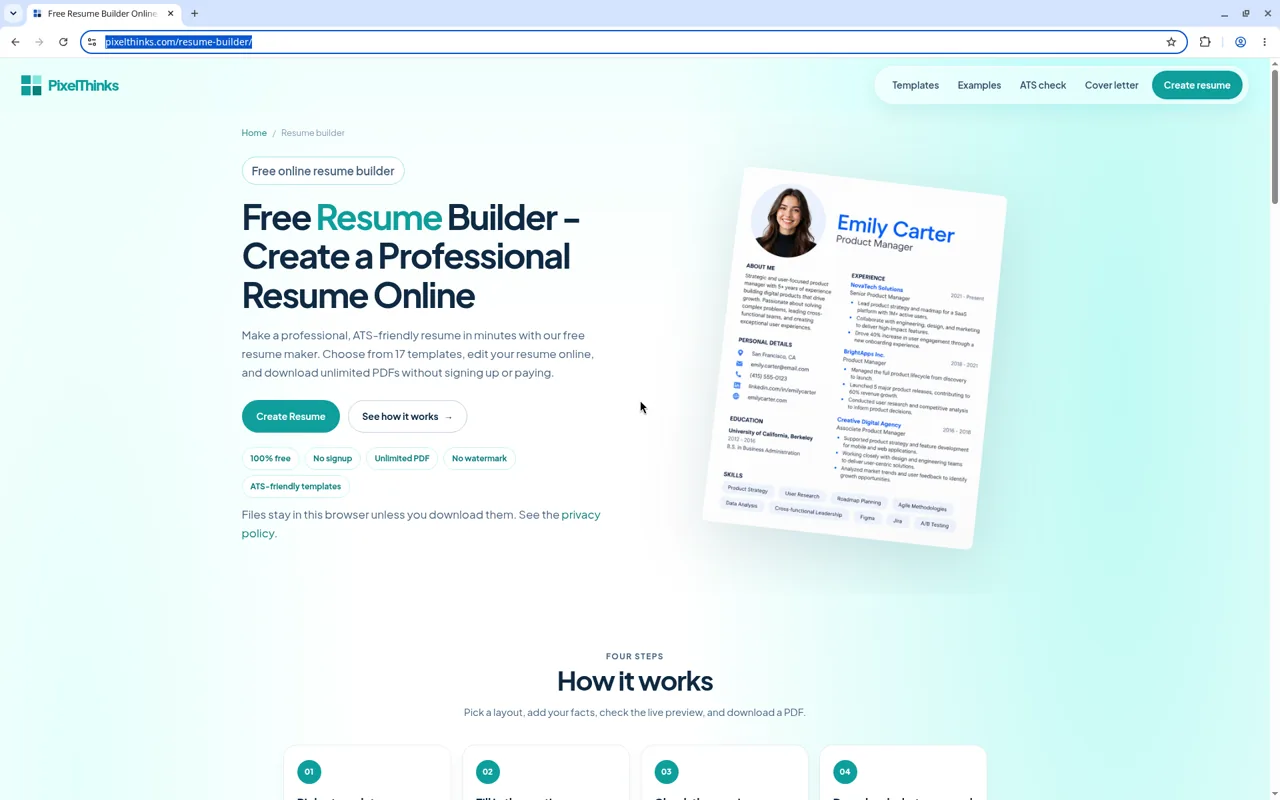
Screenshot of the Pixelthinks Resume Builder page, pixelthinks.com, captured 31 Oct
What you get for free
The editor walks you through 10 steps: Template, Heading, Work history, Education, Skills, Summary, Projects, Extra sections, ATS review and Finalize. A live preview shows your resume as you type (on a narrow window it opens as an overlay), with a page count and zoom, so you can watch the length as you write.
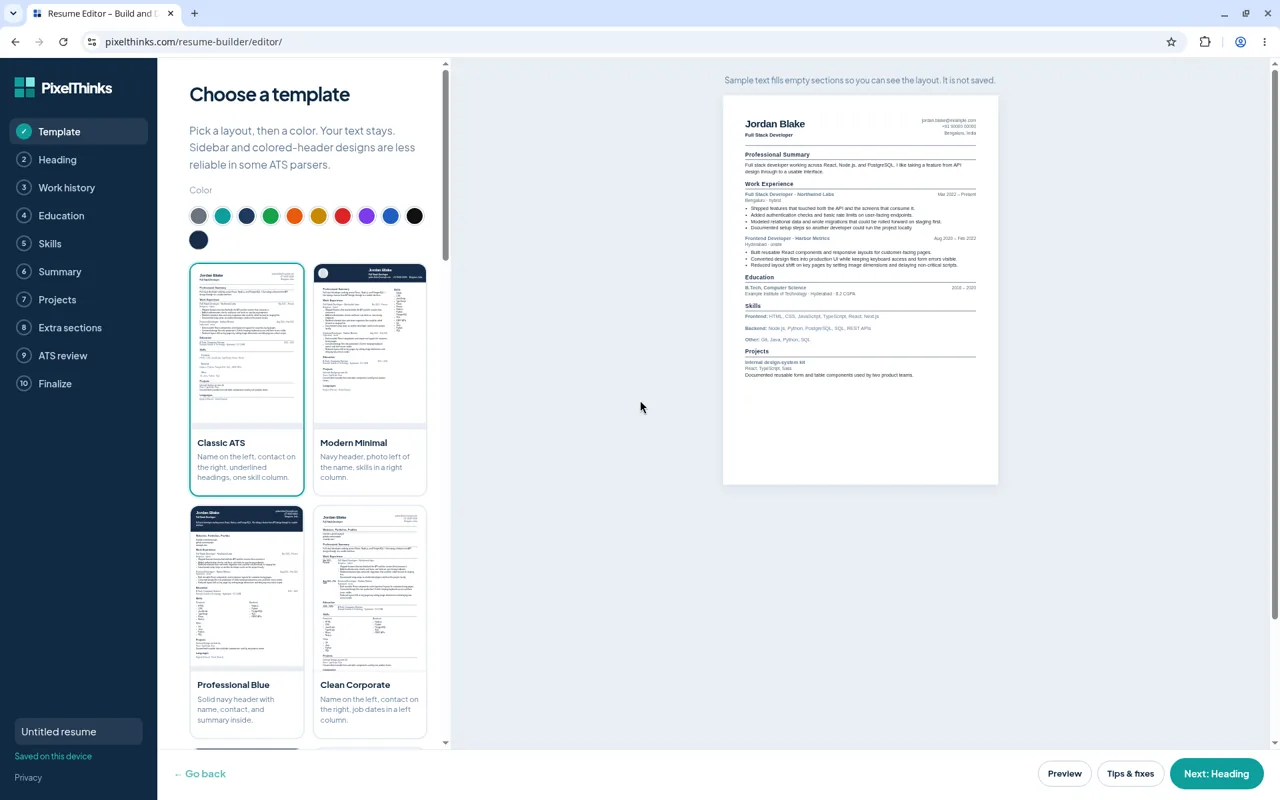
Screenshot of the Pixelthinks resume editor, pixelthinks.com, captured 31 Oct
The 17 templates run from Classic ATS and Compact One Page to Executive, Academic, Technical Developer and Graduate. You can pick one of 10 preset colours or set a custom colour. Drafts show as "Saved on this device", and the landing page says files stay in this browser unless you download them.
When you finish, the preview offers PDF, DOCX and TXT. We downloaded all three without paying or logging in.
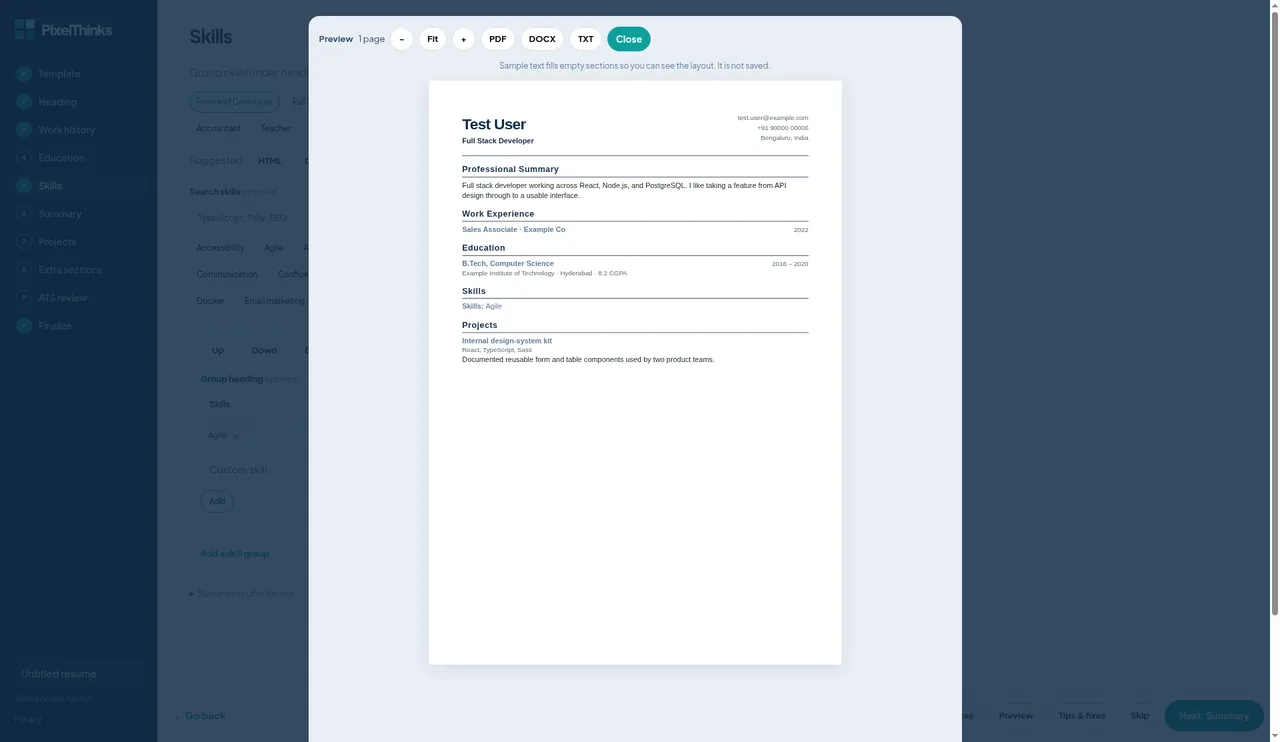
Screenshot of the Pixelthinks resume download options, pixelthinks.com, captured 31 Oct
Import, cover letters and the ATS checker
Already have a resume? You can import a PDF, DOCX, TXT or JSON file instead of retyping it. Check the imported text before you download, since any import can misread a layout.
There is also a free cover letter builder that downloads as PDF or DOCX, and its page says there is no watermark. The resume examples open in the editor when you click Customize, so you can start from a filled page instead of a blank one.
The ATS checker takes an optional PDF or DOCX upload and an optional job description. The site calls its scores heuristic estimates and says they are not an employer ATS result. Use the score as a checklist of things to fix, not as a pass mark.
Good to know
Pixelthinks itself says sidebar and coloured-header designs are less reliable in some ATS parsers. For job portals, an ATS-friendly choice is a design without a sidebar or coloured header, such as Classic ATS. Keep a more designed version for email.
Drafts are saved on the device you used, so download a copy at the end of each session. For its image and PDF tools, read our Pixelthinks review.
Good fit if: you want a clean PDF or Word file today without creating an account.
6 more free resume makers that let you download
Each of these six offers a free download with its own catch. Facts come from each tool's own pages, and we did not complete a download in them.
2. FlowCV: unlimited free PDFs for one resume
FlowCV's pricing page lists a Free plan it calls free forever, with no credit card required. It covers 1 resume and 1 cover letter, unlimited PDF downloads, no watermarks or branding, all resume templates and full design customization. You also get 3 content imports, where you upload an existing PDF, DOCX or image to fill in your sections.
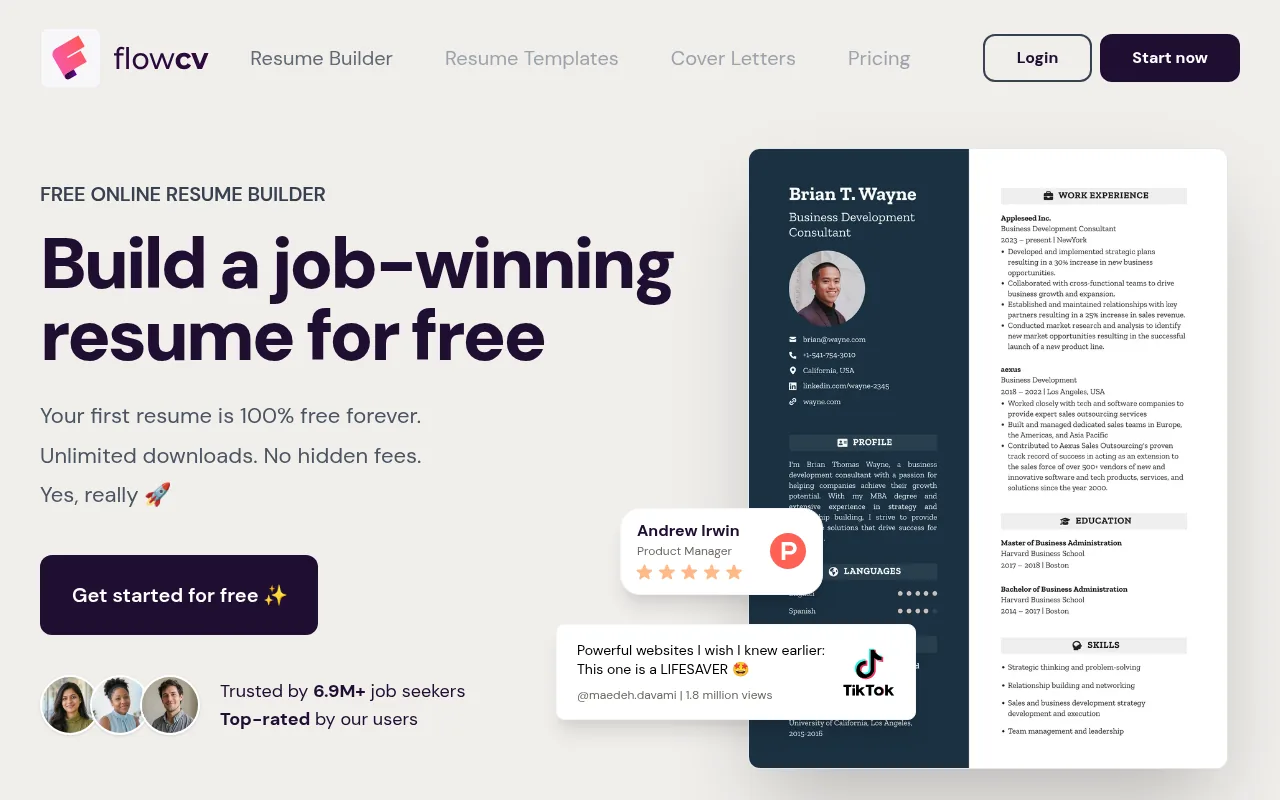
Homepage screenshot of FlowCV, flowcv.com, captured 31 Oct
The catch is the single document: separate saved versions for different roles sit on the paid plan. FlowCV's FAQ says it exports PDF only, not Word. Its FAQ says you can start building before you sign up, but a free account is needed to save your progress, download your PDF or import content.
Good fit if: one well-kept resume is all you need and PDF is enough.
Official site: flowcv.com
3. Reactive Resume: open source with PDF and Word export
Reactive Resume is open source under the MIT License, and its site says there is no paid tier, no ads and no paywall. You get 18 templates and can download your resume as PDF or Word (DOCX). Its own summary page also lists Markdown and JSON export.
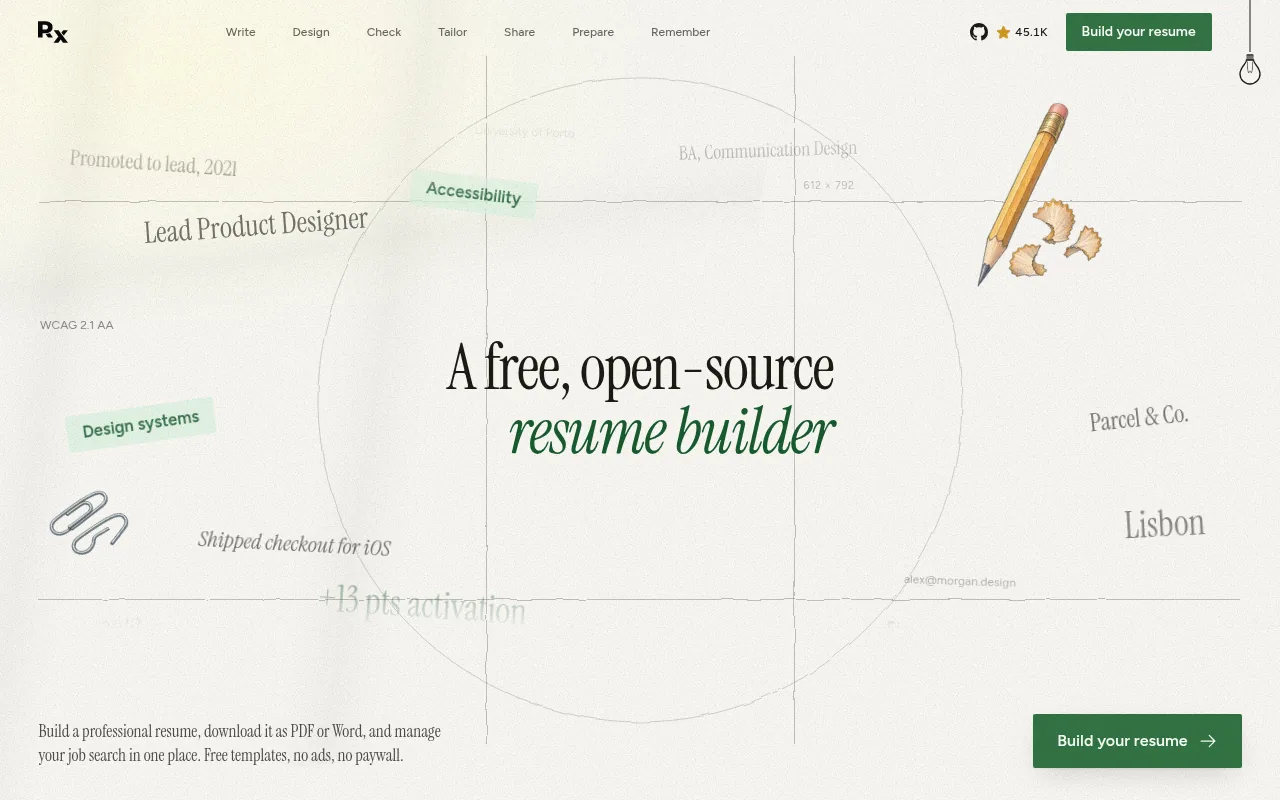
Homepage screenshot of Reactive Resume, rxresu.me, captured 31 Oct
The hosted site asks you to create an account first, or you can self-host it with Docker. Its pages do not mention watermarks, so the fair summary is "no paywall" rather than a promise about the file.
Good fit if: you want PDF and Word from a tool with no upsell, and an account does not bother you.
Official site: rxresu.me
4. Canva: free designs, but watch premium elements
Canva says creating a resume on its resume builder is totally free, and resume designs are saved automatically in the editor. As a design tool, it gives you more layout freedom than a form-based builder.
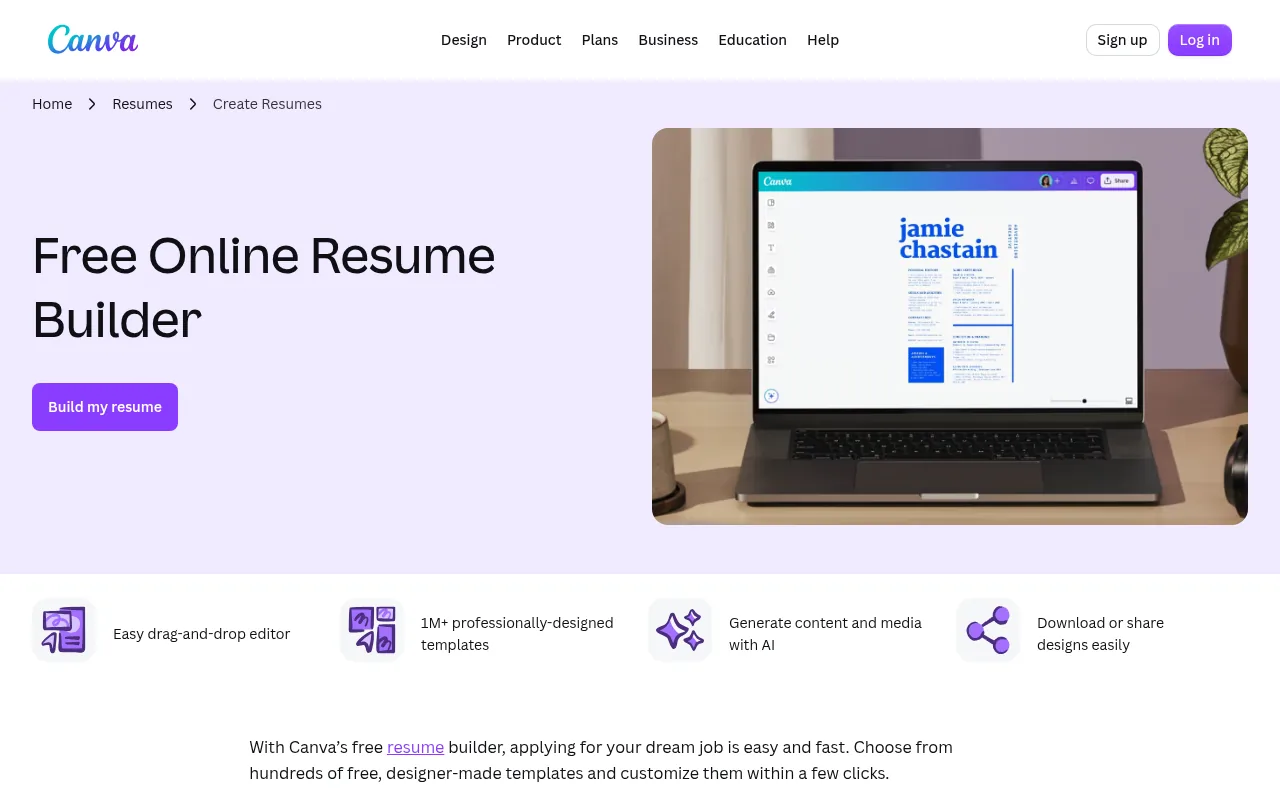
Screenshot of the Canva resume builder page, canva.com, captured 31 Oct
Canva's help center says premium elements will have watermarks on your design if you are a Canva Free user, until you buy the element or upgrade. Canva does not promise a watermark-free PDF in so many words, so stick to free elements and open the file before you send it. Layouts with columns, icons and text inside shapes can also be harder for some applicant tracking systems to read, so keep key details as real text.
Good fit if: you apply for design-led roles or send your resume by email rather than through a portal.
Official site: canva.com/create/resumes
5. Novoresume: one free page with branding
Novoresume's pricing page lists its Basic plan as free forever, with no credit card required. It gives you one resume, one page, 8 templates, 30 colour themes and 2 AI credits a month, with a predefined layout only.
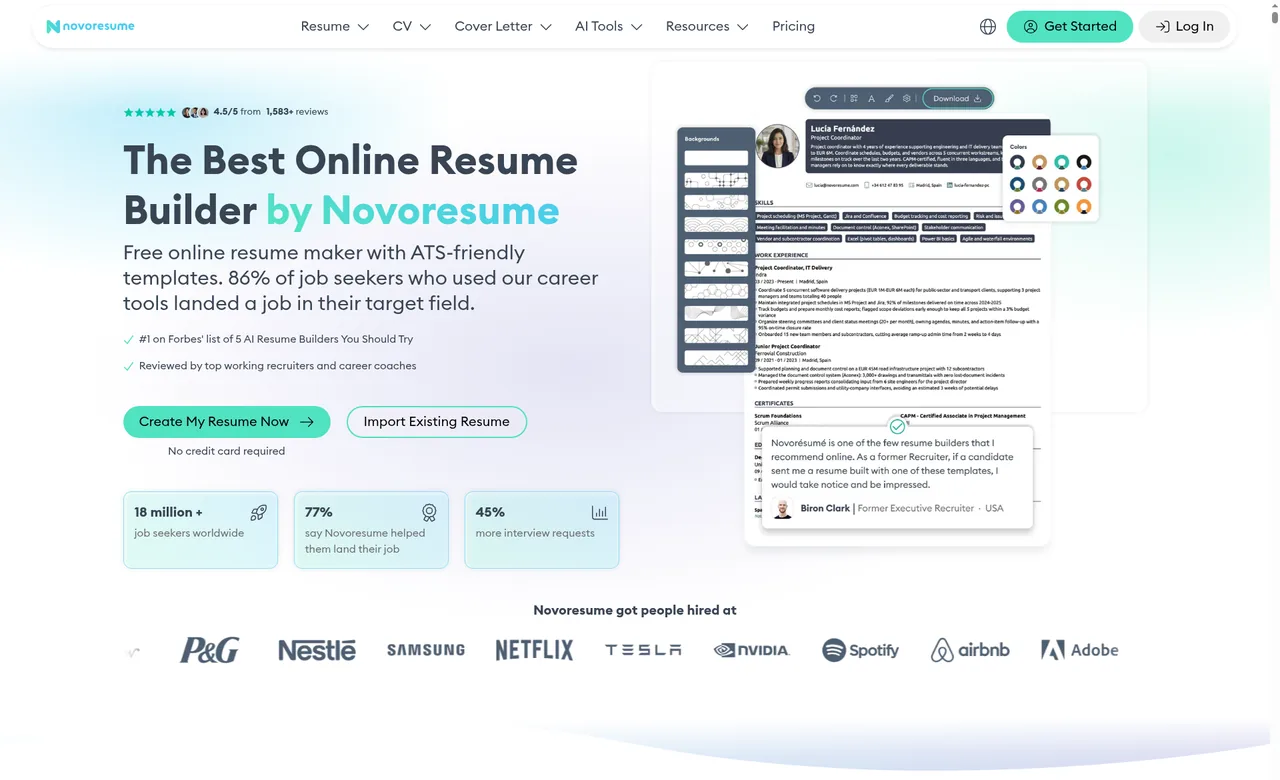
Homepage screenshot of Novoresume, novoresume.com, captured 31 Oct
The catch is branding: per its pricing page, the free PDF carries Novoresume branding, and removing it is a paid feature. Novoresume calls its templates ATS-tested, which is its own claim. Word export and a sign-up rule were not listed.
Good fit if: a one-page resume is enough and the brand mark on the file is acceptable to you.
Official site: novoresume.com
6. Kickresume: four free templates after sign-up
Kickresume's Free plan starts with a sign-up and includes 4 basic resume templates, 4 matching cover letter templates and unlimited downloads. Its pricing page says Kickresume is free as long as you don't select paid customization options, which are labelled inside the app.
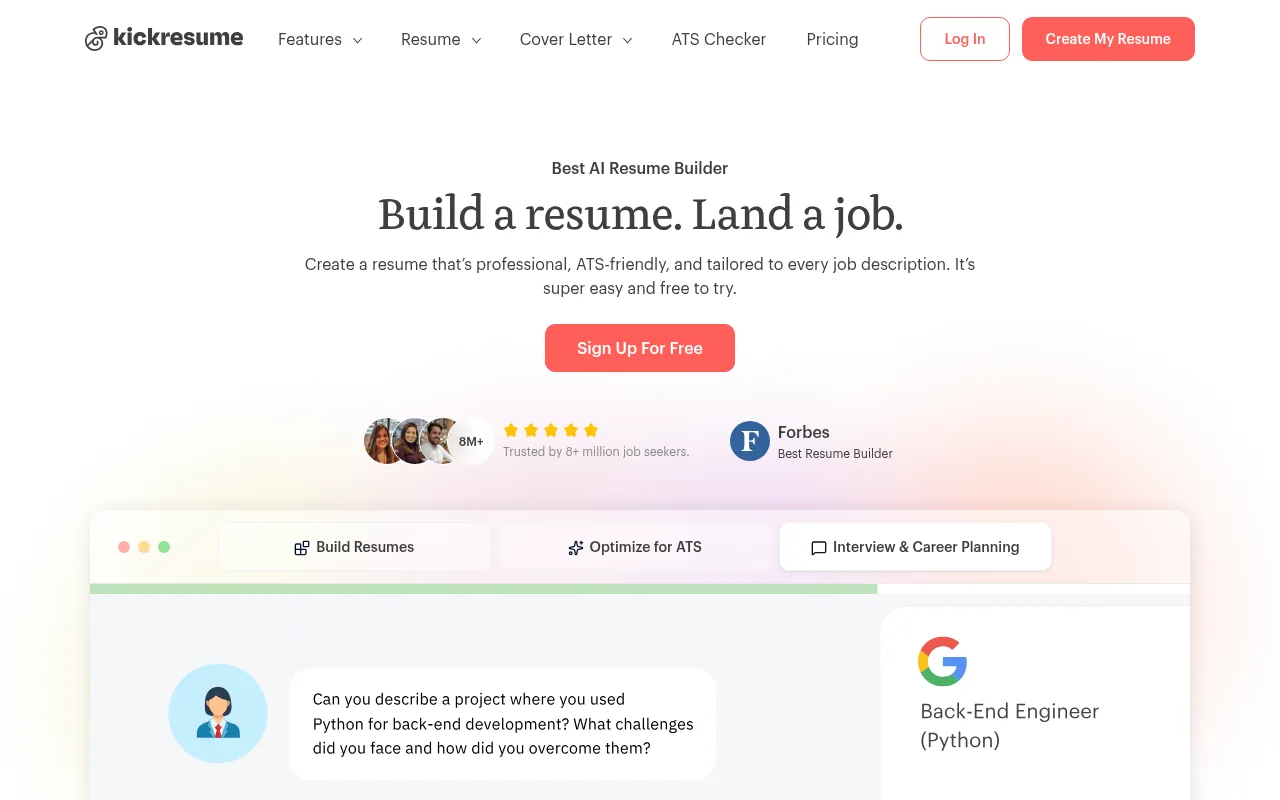
Homepage screenshot of Kickresume, kickresume.com, captured 31 Oct
Its help center says free and premium users can download as many times as they want, and that a download from the dashboard comes as a PDF. Its free templates page says resumes download without a watermark, even with free templates. Its pages do not agree on a second format, so if you need anything other than PDF, check the download menu first. The ATS Resume Checker is premium, and students with ISIC, ITIC or UNiDAYS status get Kickresume free.
Good fit if: you are a student with one of those cards, or four simple templates are enough.
Official site: kickresume.com
7. Resume.com: free PDF and plain text
Resume.com's homepage promises a 100% free download, and says you can download and print resumes in PDF and plain text. It also says there are no freemium features, so there is no paid tier to run into.
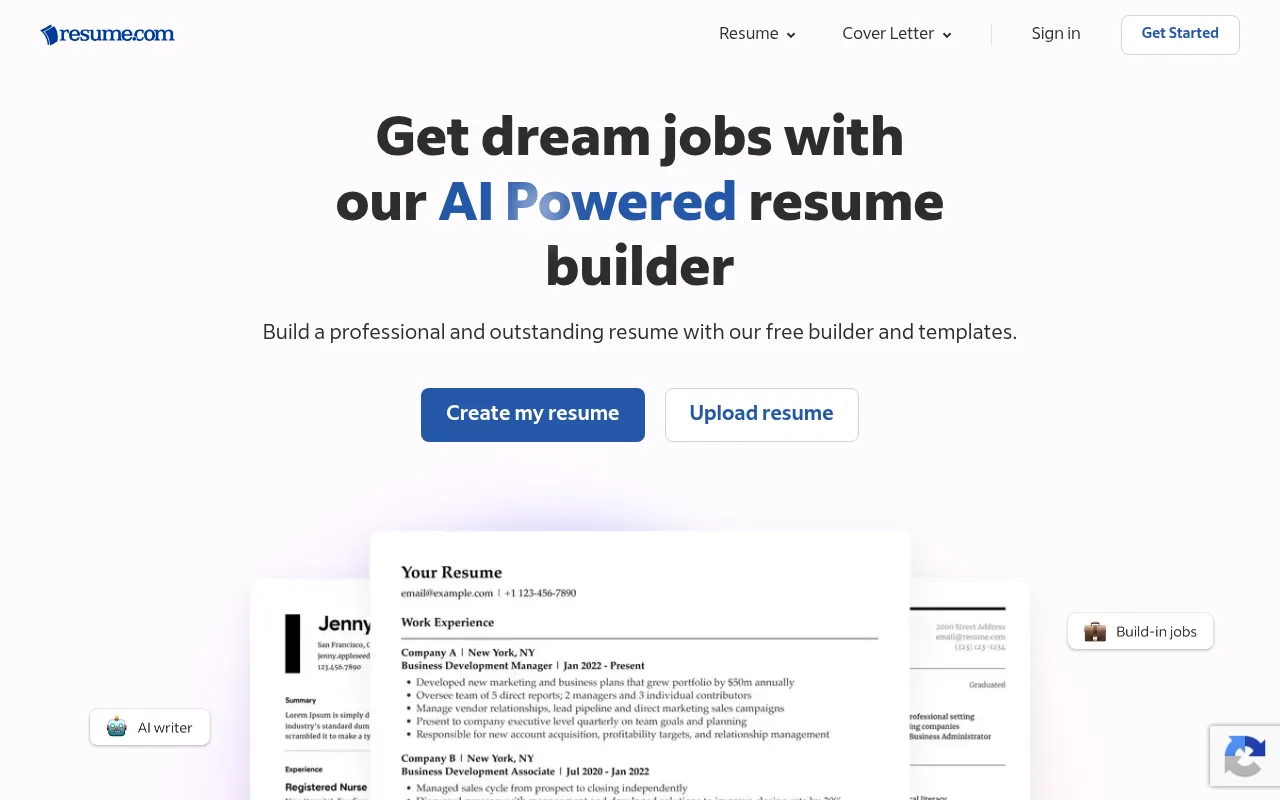
Homepage screenshot of Resume.com, resume.com, captured 31 Oct
You do not need an account to start. The builder offers "Skip for now" at sign-in, guest resumes are kept for 48 hours, and its free download menu lists PDF and TXT with no login prompt. We did not save a finished PDF as a guest. Word export and template counts were not listed.
Good fit if: you want a PDF plus a plain text copy for pasting into online application forms.
Official site: resume.com
Free to build, pay to download: tools to check first
Some well-known builders let you fill in every section at no cost, but their free plan downloads only a TXT file. Each states this on its pricing page, yet it is easy to miss until the last step.
Resume.io. Its free plan covers only one resume and cover letter, and downloads only in TXT format. A PDF needs a paid plan. See resume.io/pricing.
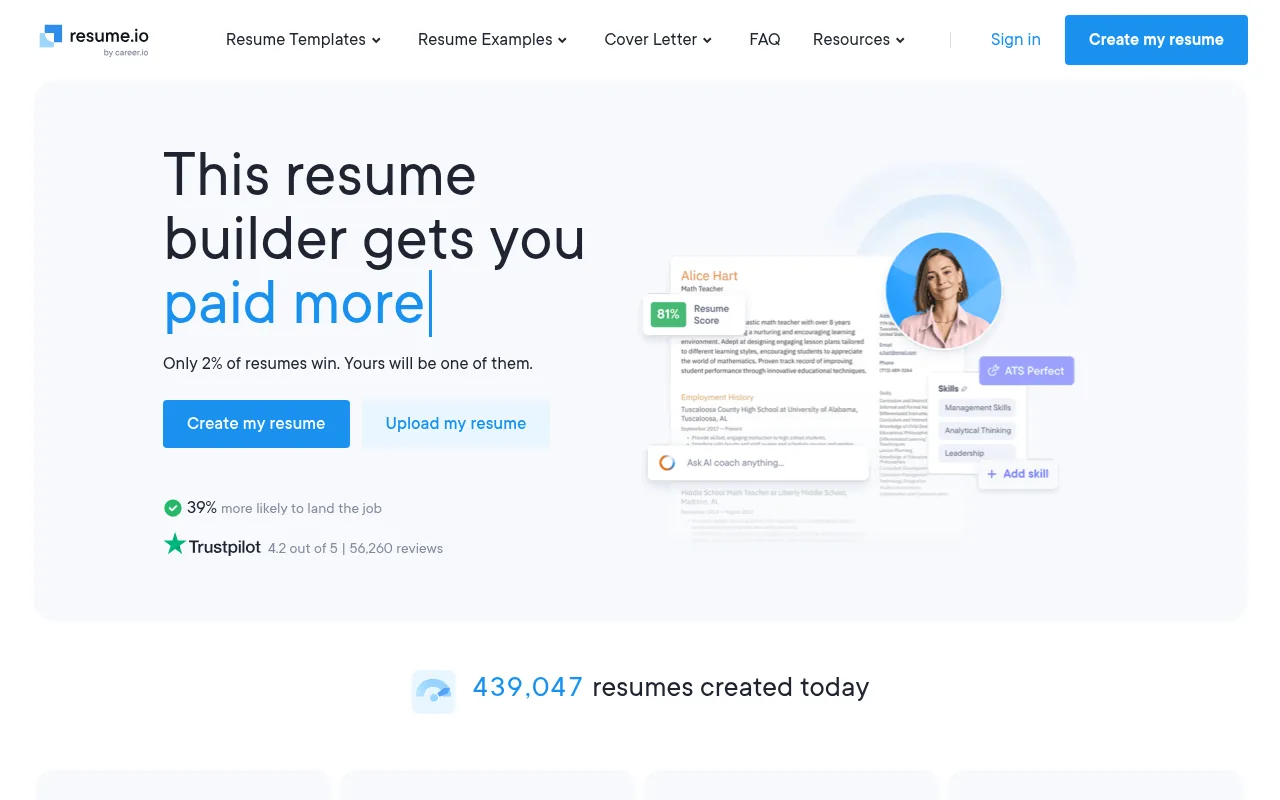
Homepage screenshot of Resume.io, resume.io, captured 31 Oct
Zety. The Basic package includes the resume builder and unlimited downloads, prints and edits, in TXT format only. PDF and Word come with paid access, which starts with a 14-day trial that auto-renews unless you cancel, per Zety's pricing page.
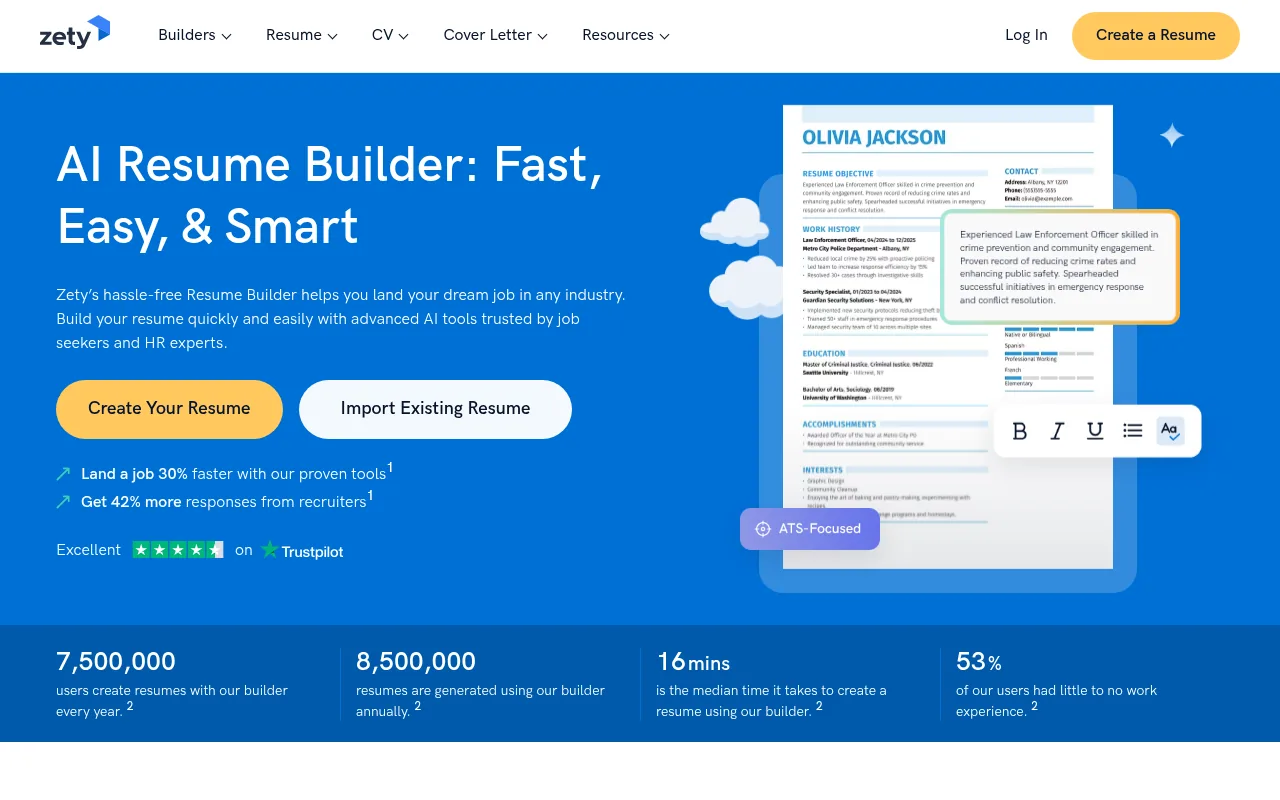
Screenshot of the Zety resume builder page, zety.com, captured 31 Oct
Resume Genius. Free Access gives you the resume builder with TXT downloads only, though its cover letter builder exports PDF, Word or TXT, and its resume templates come in Word and Google Docs. Paid access starts with a 14-day trial, then bills every four weeks, per its pricing page.
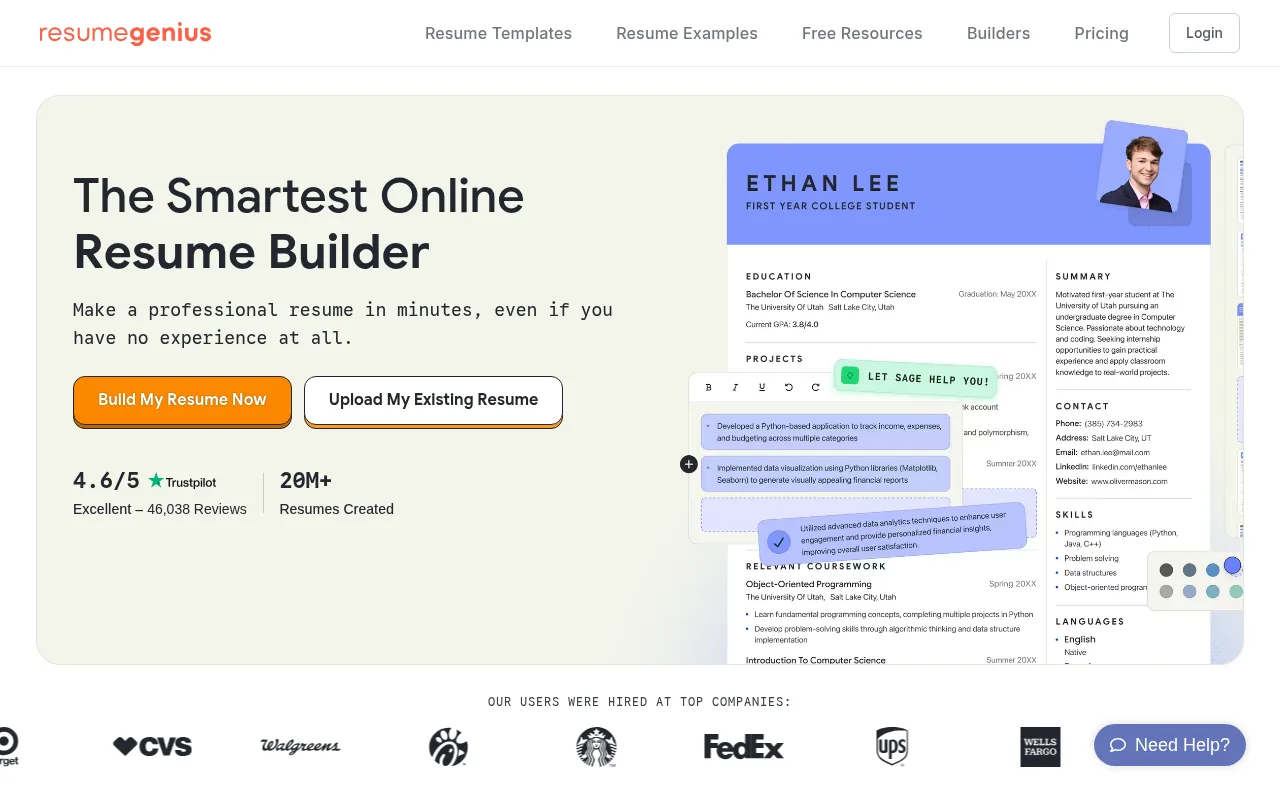
Homepage screenshot of Resume Genius, resumegenius.com, captured 31 Oct
A TXT file keeps your words but loses the layout, so most applicants still need a PDF or DOCX. Check the free download format before you start writing, and if you take a trial, note the renewal date.
Free resume maker for freshers in India
As a fresher, what goes on the page matters more than the tool. These habits are common in Indian applications, but follow the employer's instructions first:
Keep it to one page if you can.
Put education first, with your CGPA or percentage if you have it.
Add projects, internships and certifications, with a line on what you did.
Skip the photo and date of birth unless the employer asks for them.
Whether you searched for a "cv maker free" or a free resume builder, the tools here can handle that layout. On Pixelthinks, start from the Graduate template, or open one of its resume examples and click Customize to edit it. Kickresume is free for students with an ISIC, ITIC or UNiDAYS card, per its pricing page.
If a job portal caps the upload size of a photo or document, here is how to compress an image to a set size in KB.
How to choose a free ATS-friendly resume builder
An ATS-friendly resume comes down mostly to layout and file type, and the builder decides both. Check these before you commit:
Check the free download format. Most portals expect PDF or DOCX, so a TXT-only free plan will not get you far.
Look for a watermark or branding. Read the pricing page, then open your first download.
Know where drafts live. Some tools save to an account, others to your browser. Keep a downloaded copy either way.
Get Word export if you need it. Some recruiters ask for DOCX, and FlowCV, for one, exports PDF only.
Pick a single-column template. Keep headings, dates and skills as real text.
Treat any ATS score as an estimate. It cannot show how a specific employer's system reads your file.
Final thoughts
Start with a free resume builder that gives an unbranded PDF. Pixelthinks is our pick because it did that with no account, and FlowCV and Reactive Resume are solid backups. Whichever you choose, check the download step before you write anywhere else.
A job hunt also means a lot of open tabs: portals, company pages, your draft and sent applications. Here is how to save all your open tabs in Chrome. Boardmarks, our own new tab extension, lets you keep those job links on visual boards. Add Boardmarks to Chrome
- What is the best free resume builder?
- Our pick is Pixelthinks Resume Builder: no sign-up, free PDF, DOCX and TXT downloads with no watermark in our test, and 17 templates. FlowCV gives unlimited free PDFs for one resume, and Reactive Resume has no paid tier and exports PDF and Word.
- Is there a resume builder that is completely free?
- A few come close. Pixelthinks let us build and download in three formats without paying or signing up. Reactive Resume says it has no paid tier and is open source, and Resume.com says it has no freemium features. Most others are freemium, with paid upgrades.
- How can I make a resume for free and download it?
- Pick a tool whose free plan includes a PDF download, then fill in each section and choose a simple, ATS-friendly template. Check the download format before you start writing, because some free plans give you only a TXT file. Open the file and check it before sending.
- Is Canva resume free to download?
- Canva says creating a resume on its builder is free. Its help center says premium elements carry watermarks for Canva Free users until you buy them or upgrade. Build with free elements only, then open the downloaded file and check it for watermarks before you send it anywhere.
- Is Zety free?
- Building a resume on Zety is free, and the Basic package allows unlimited downloads, but only in TXT format. PDF and Word downloads need paid access, which starts with a 14-day trial that auto-renews unless you cancel, according to Zety's own pricing page.
- Which free resume maker is best for freshers?
- Pixelthinks has a Graduate template and resume examples you can open and edit, with no sign-up. Kickresume is free for students who prove their status with ISIC, ITIC or UNiDAYS. Novoresume's free plan suits a one-page resume, though the PDF carries its branding.
- Why do some free resume builders only download TXT?
- On Resume.io, Zety and Resume Genius, TXT is the free tier, while formatted PDF and Word downloads sit on paid plans. A TXT file keeps your text but drops the layout and fonts, so most applicants need a PDF or DOCX for a polished application.
Chrome New Tab extension
Organize bookmarks, todos, and habits on every New Tab.
- Visual bookmark boards
- Todos, habits, notes, reminders
- Local-first by default
Free trial · no card required